This guide covers Jenn-Air Jennair Connect Smart Appliances Work with practical, technician-backed advice.
JennAir Connect is the smart home platform woven into many current Jenn-Air ranges, wall ovens, refrigerators, and dishwashers, letting these appliances communicate with a smartphone app over your home’s Wi-Fi network. Understanding what’s actually happening behind the scenes helps explain both its conveniences and where connectivity problems tend to originate.
Understanding the Jenn-Air Jennair Connect Smart Appliances Work
Below, our specialists break down everything you need to know about the Jenn-Air Jennair Connect Smart Appliances Work.
The Basic Connection Architecture
Each JennAir Connect-enabled appliance includes a Wi-Fi module that joins your home network during initial setup, similar to how a smart TV or smart speaker connects. Once joined, the appliance communicates with a cloud service that the companion smartphone app also connects to — this cloud-based architecture is why you can check on your oven from outside the house, since the app isn’t talking directly to the appliance over a local connection but through the internet.
What Remote Monitoring Actually Shows You
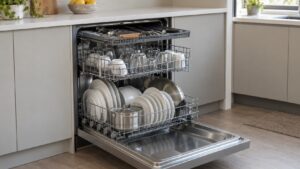
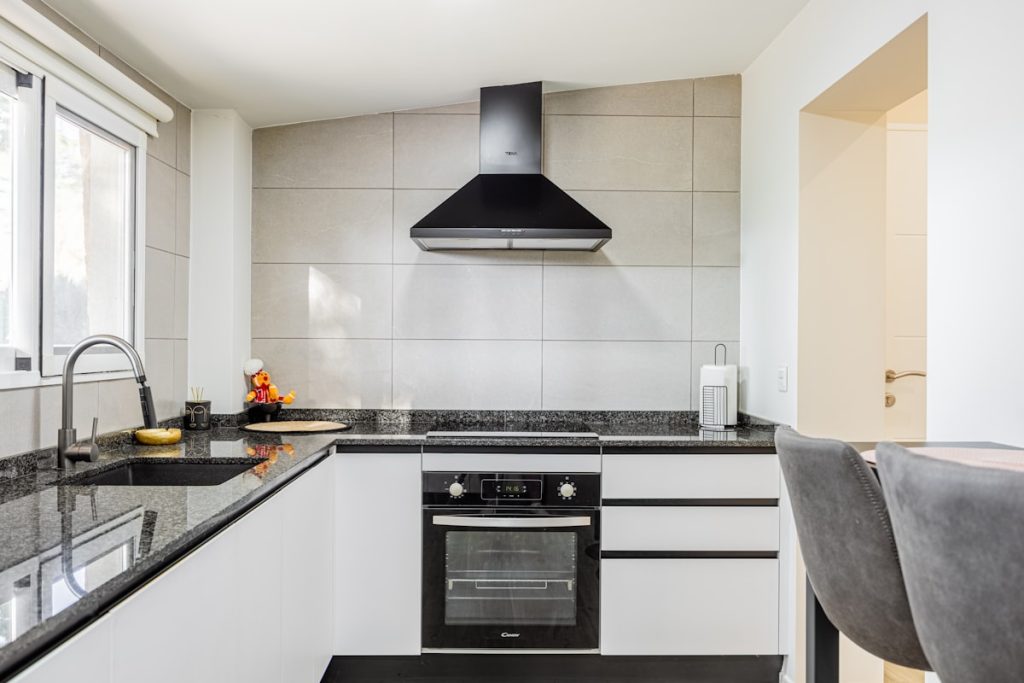
For an oven or range, this typically means checking current temperature, remaining cook time, and whether a cycle has finished, all from your phone. For a refrigerator, it can mean receiving an alert if the door has been left open or if internal temperature has drifted out of range. For a dishwasher, it means tracking cycle progress and receiving a notification when a wash is complete. None of this changes how the appliance physically operates — it’s a window into status information the appliance was already tracking internally.
Remote Control Capabilities
Beyond monitoring, many JennAir Connect appliances allow limited remote control — starting a preheat cycle on your way home, adjusting an oven’s temperature mid-cook, or pausing a dishwasher cycle. These commands travel the same path in reverse: from the app, through the cloud service, back down to the appliance’s Wi-Fi module, which then executes the command locally.
Software Updates Happen Automatically
Connected appliances can receive firmware updates over the same Wi-Fi connection, which means new features or bug fixes sometimes arrive without any action needed from you. This is a genuine advantage over non-connected appliances, whose control logic is fixed at the point of manufacture, but it also means a connected appliance’s behavior can change slightly after an update in ways that aren’t obvious until you notice a menu option has moved or a setting behaves differently.
Where Connectivity Problems Typically Originate
Most JennAir Connect issues trace back to one of three places: the home Wi-Fi network itself (weak signal reaching the appliance, especially for units in basements or far corners of a kitchen), the appliance’s Wi-Fi module having lost its connection and needing to be re-paired, or a temporary outage in the cloud service the app depends on. It’s worth checking your home network and other connected devices before assuming the appliance’s hardware has failed, since connectivity issues are frequently unrelated to the appliance itself.
Connectivity Problems Rarely Affect Core Function
It’s worth remembering that a JennAir Connect appliance is still a fully functional oven, refrigerator, or dishwasher even if its Wi-Fi connection fails entirely — the smart features are an added layer on top of the appliance’s core mechanical and electrical systems, not a dependency for them. If your oven won’t connect to the app but still heats normally when controlled from its physical panel, that’s a strong sign the issue is isolated to the connectivity module rather than anything affecting cooking performance. This distinction is useful to mention to a technician up front, since it narrows the diagnostic path considerably.
When to Call a Technician
If basic troubleshooting — restarting the app, confirming Wi-Fi signal strength, and re-pairing the appliance — doesn’t resolve a persistent connectivity issue, the Wi-Fi module itself may have failed and could need replacement, which is a straightforward repair separate from the appliance’s core cooking, cooling, or washing functions. Check error codes that may relate to connectivity problems, review your specific model’s smart features, or schedule a diagnostic visit if reconnection attempts keep failing. See jennair.com for current JennAir Connect-enabled models and our guides section for related topics.